Import a whole batch, edit every shot
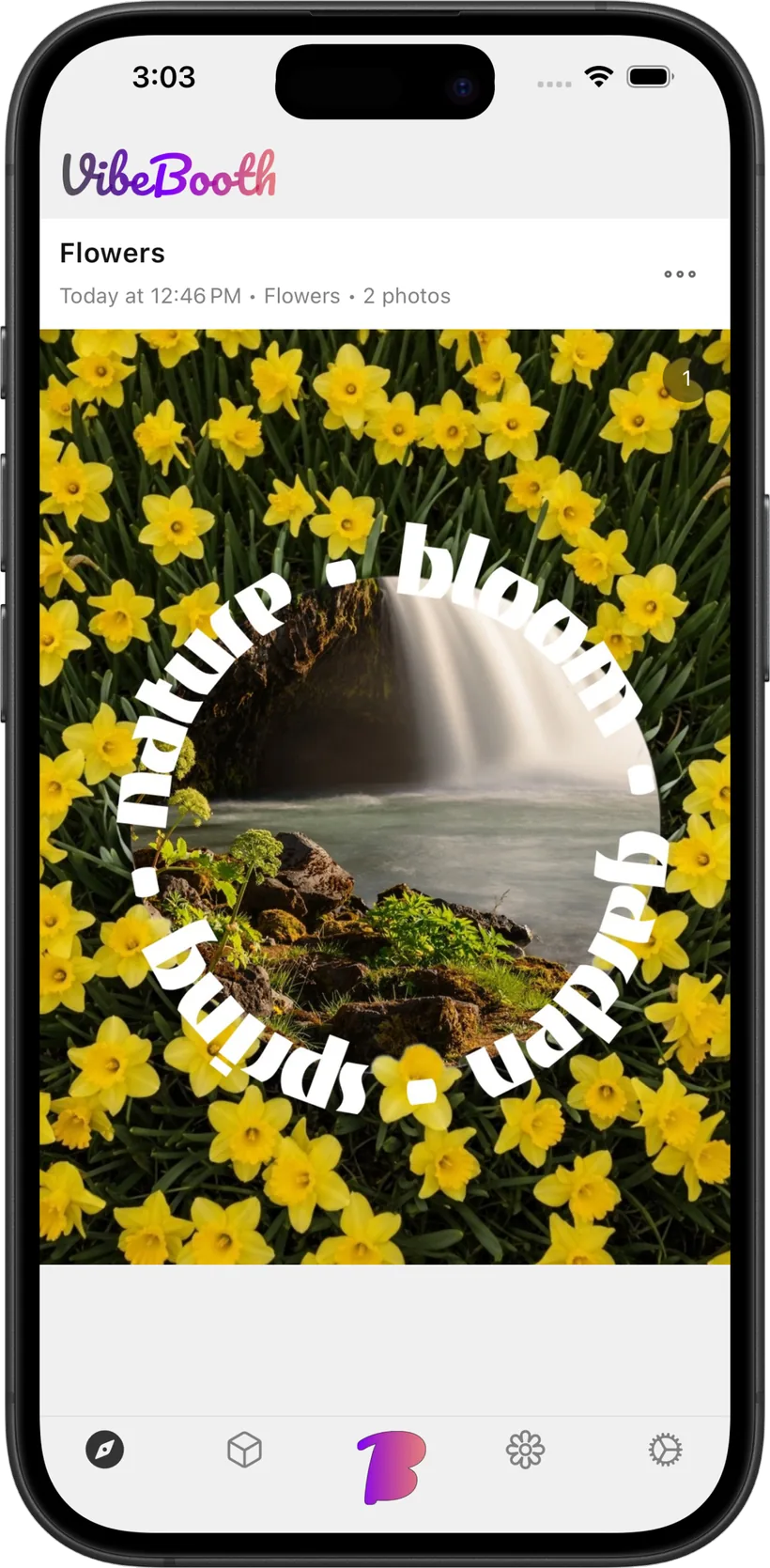
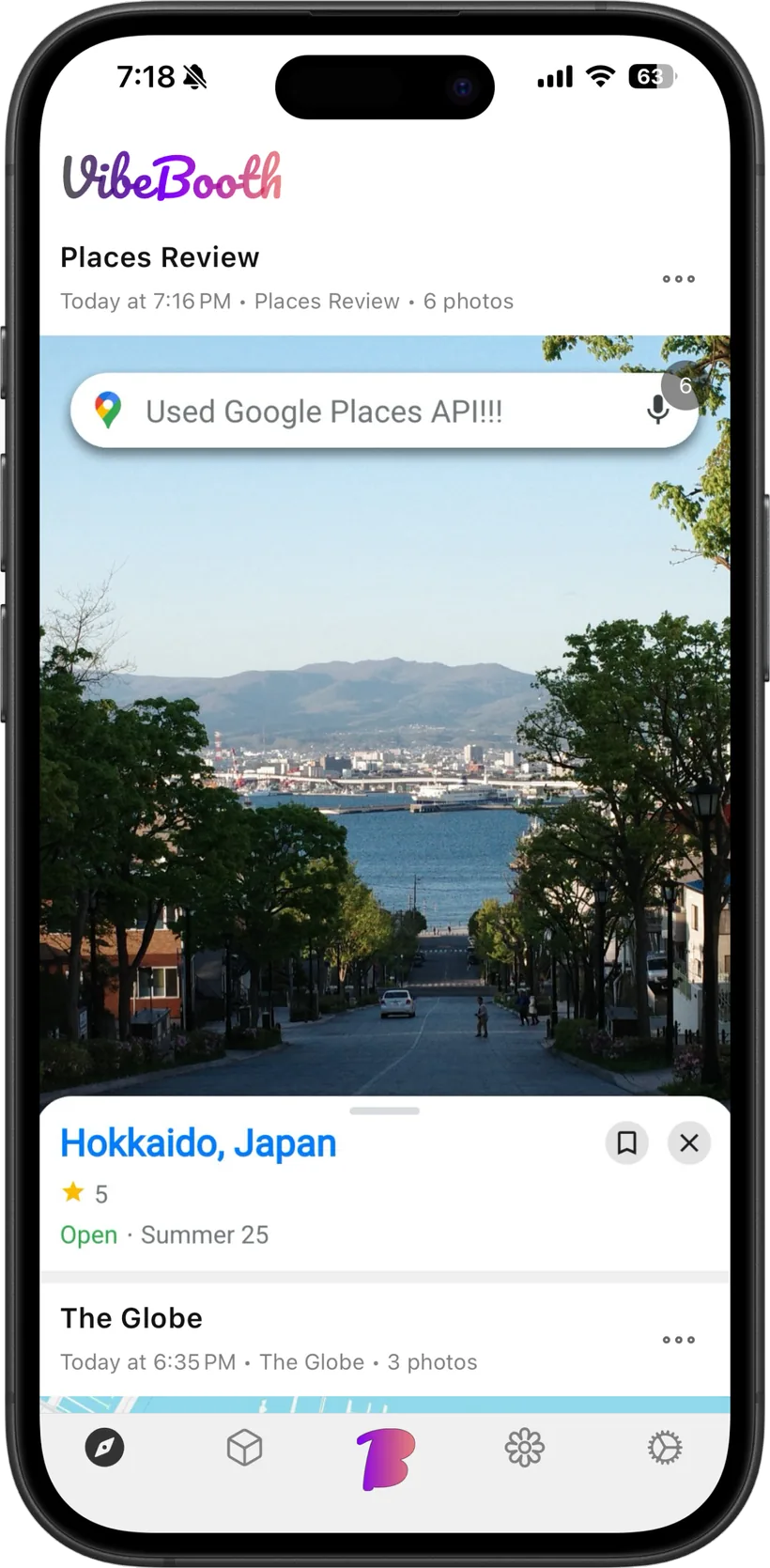
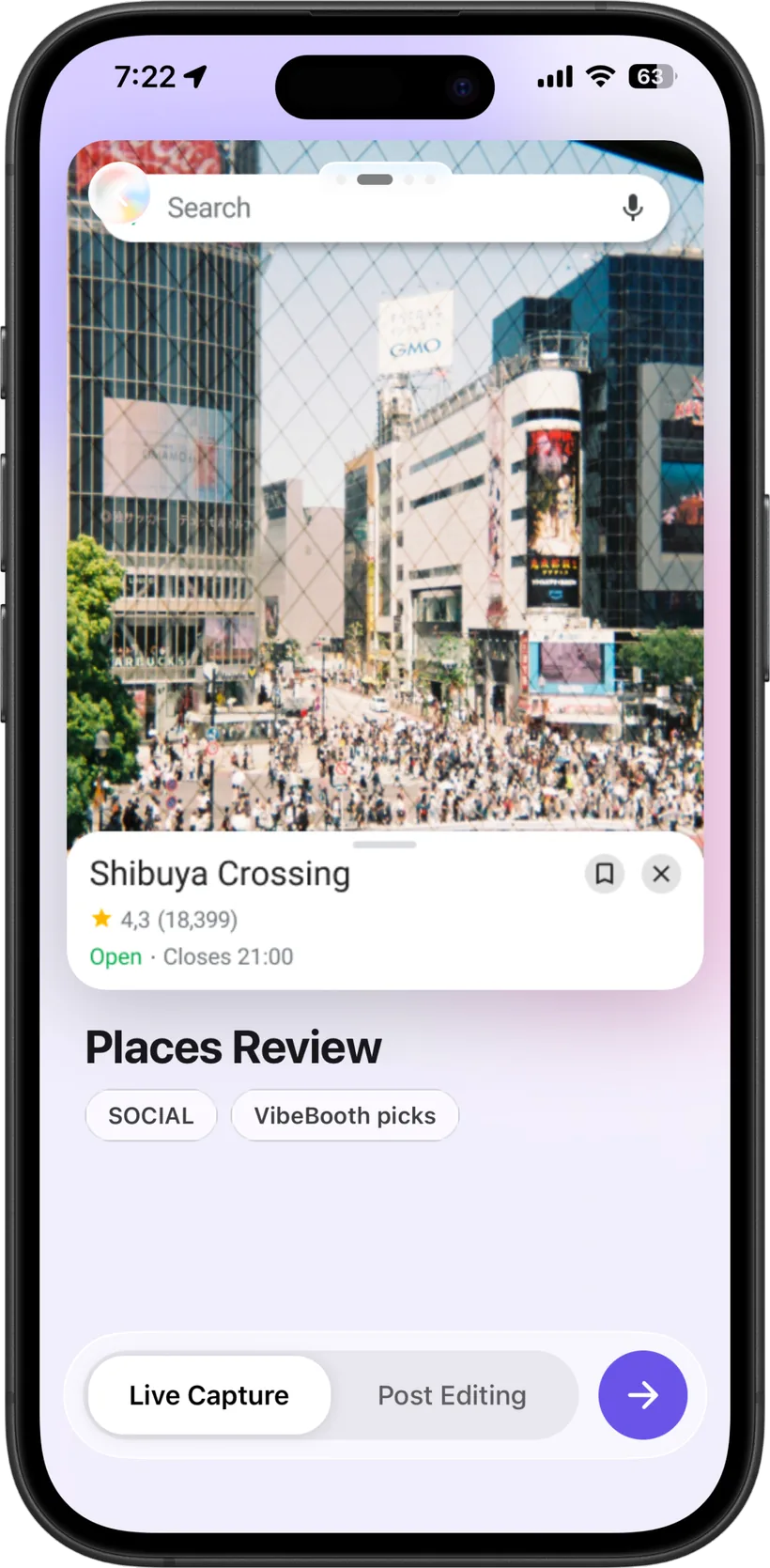
Bring in several photos from your library at once — pick them in order, crop each in turn, and see them all in a thumbnail strip. Tap any photo to re-crop it or even switch its frame before you save, and imported photos now fill the frame edge to edge with no black gaps.

A fresh, more native look
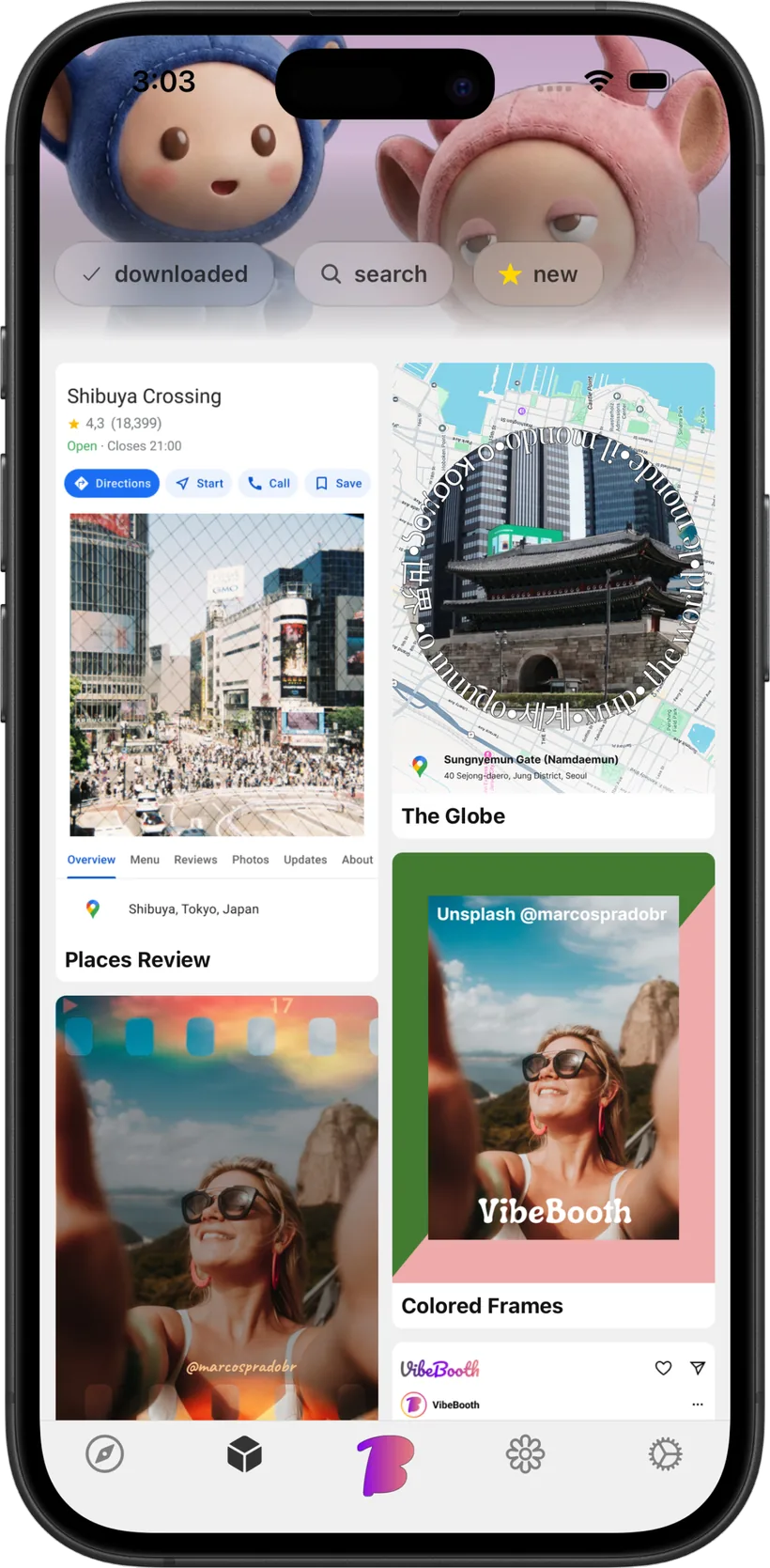
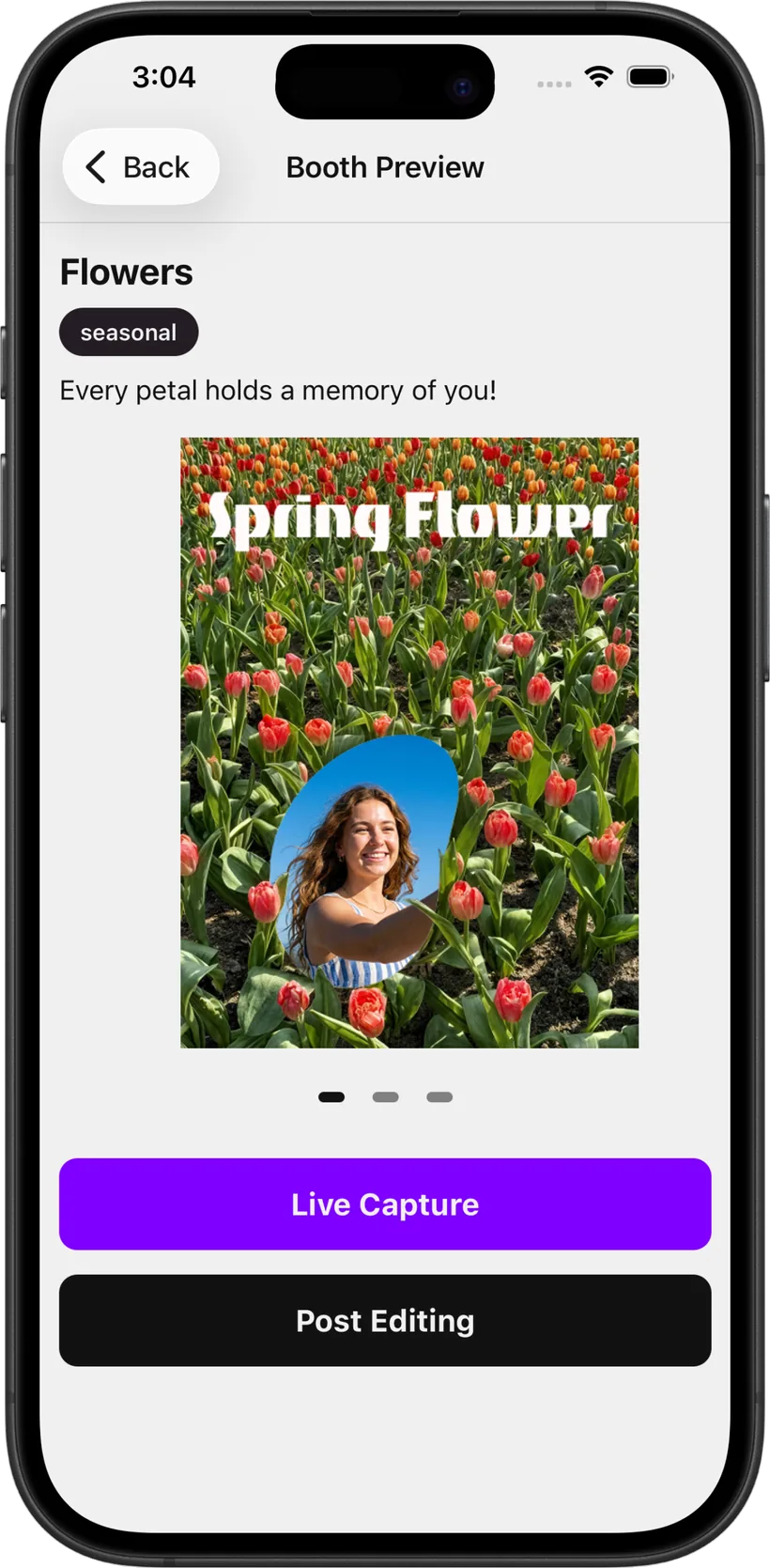
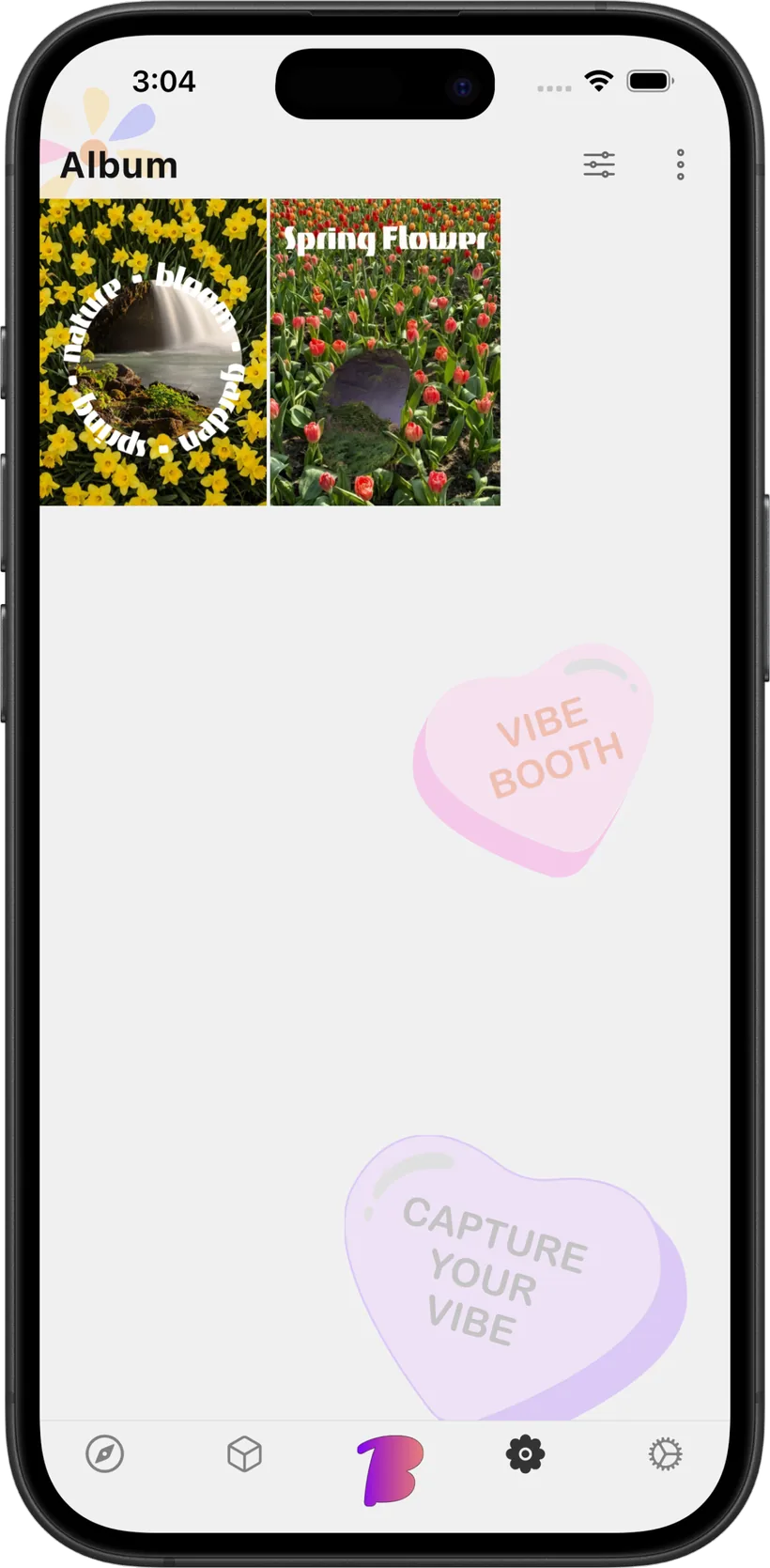
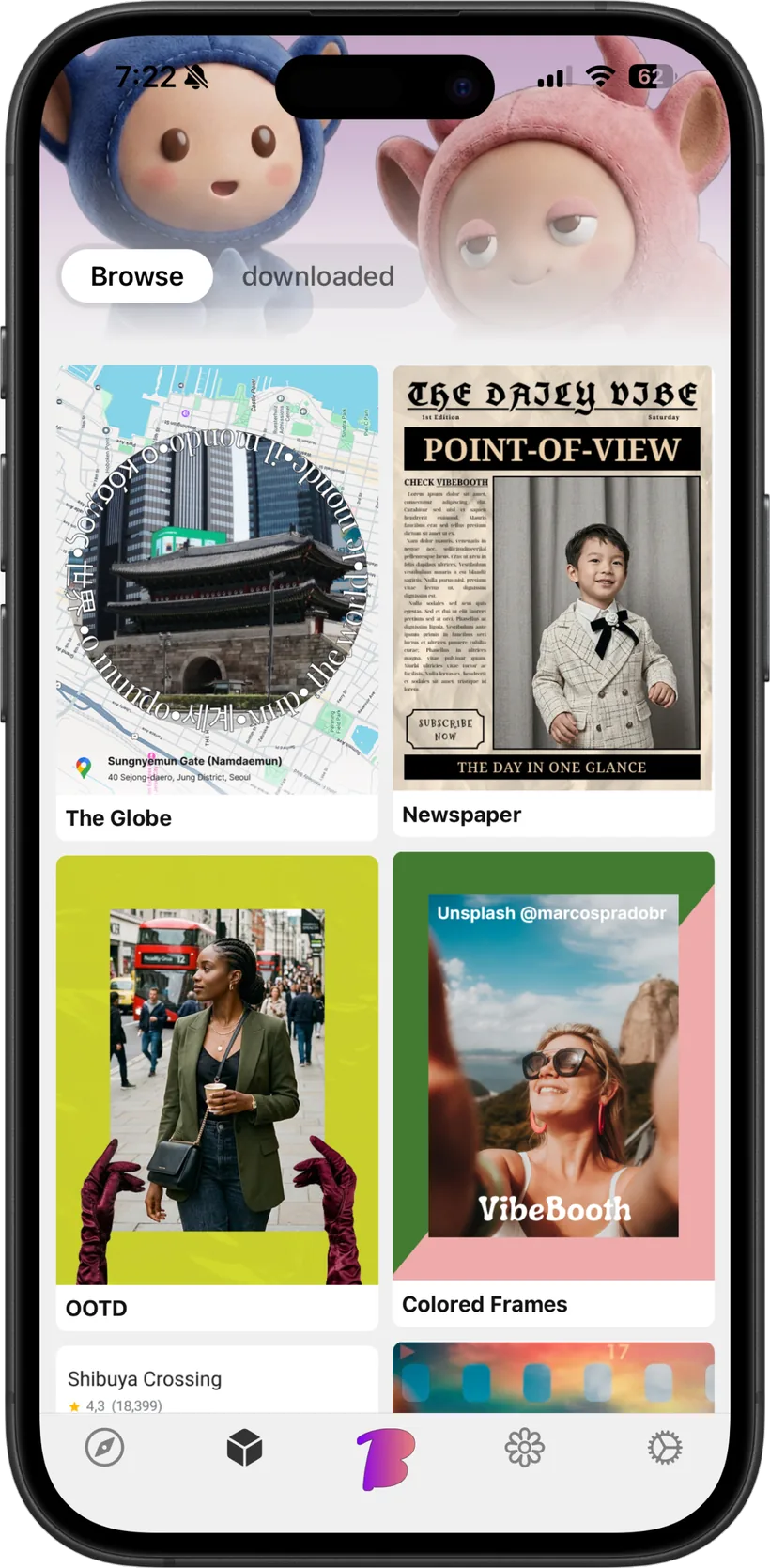
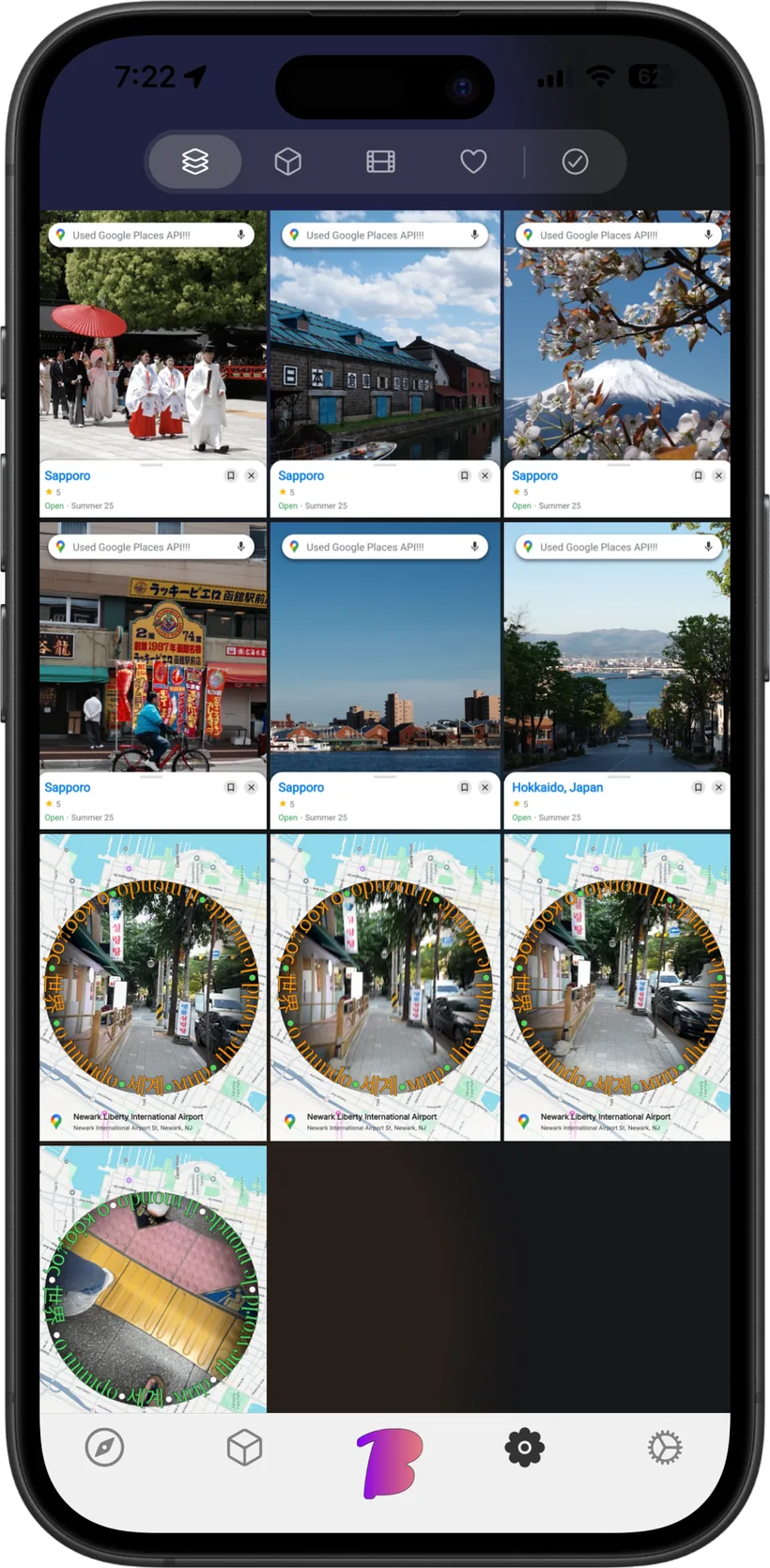
A redesigned album with a cleaner filter control and an immersive dark photo wall, more immersive booth screens with native-feeling iOS controls throughout, and a quick hint that points out the frame-switch button so it's easy to find.
Faster and more reliable
Faster booth browsing and detail screens. The camera now recovers gracefully if a frame fails to load, and pauses cleanly when you leave the app.